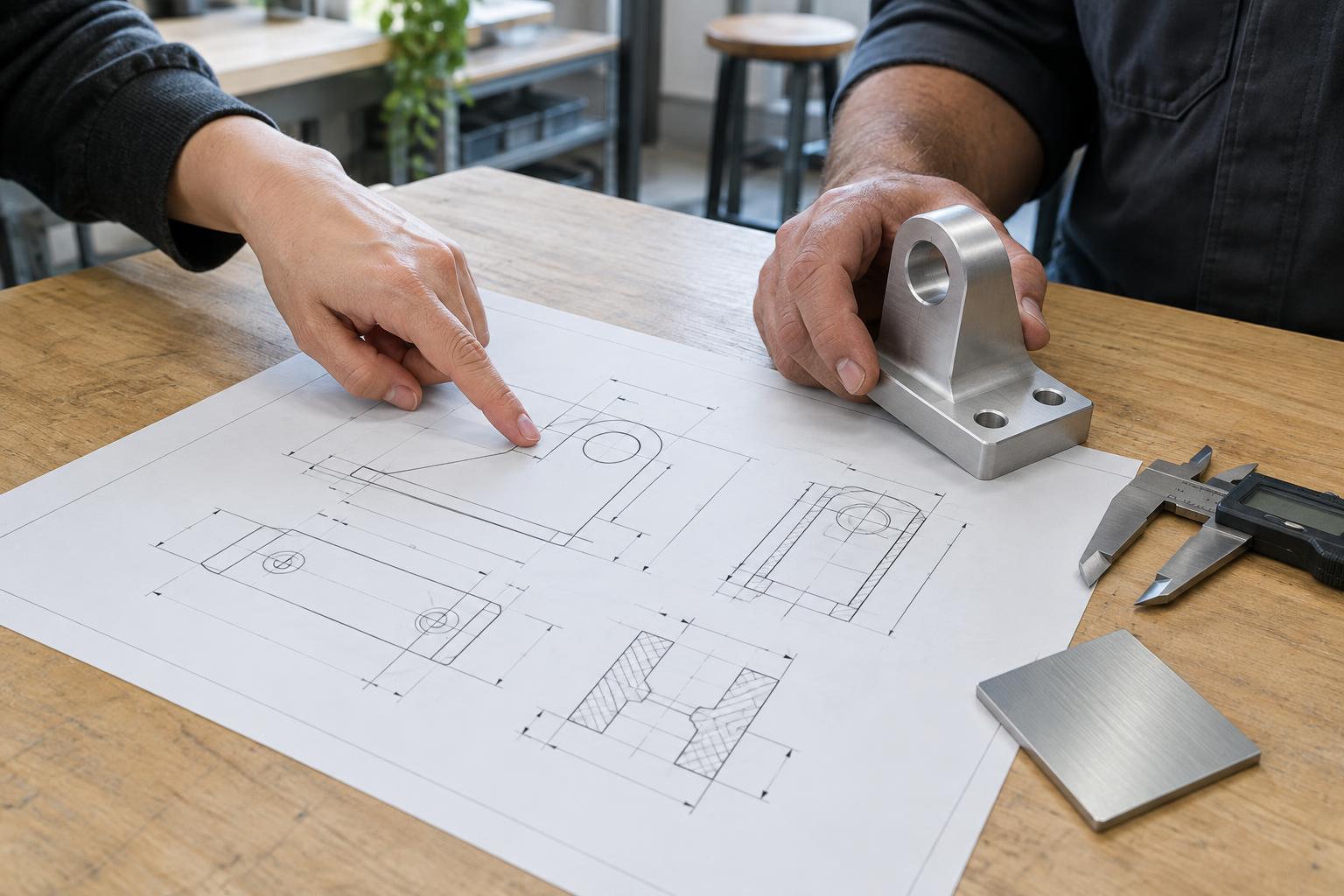
Start with the decisions the drawing must communicate
A manufacturing drawing is a shared reference between the designer and the people who make, assemble, and inspect a product. Its purpose is not to display every idea explored during design. It is to define the intended part well enough that another person can make it without relying on guesses. Before adding detail, ask what decisions a supplier would otherwise have to make: which faces locate the part, which features must fit another component, what material is intended, and which visible surfaces matter.
The drawing may sit alongside a 3D model, a bill of materials, and a written specification. State how these documents relate to one another, especially if both the model and drawing contain dimensions. If there is a conflict, the team needs an agreed way to resolve it rather than an assumption that everyone will choose the same source. A short drawing package that answers the important questions is more useful than a crowded sheet that hides them.
Show the part clearly before dimensioning it
Choose views that make the geometry easy to understand. Front, top, and side views may be enough for a simple part; sections, details, or an isometric view can clarify internal features and complex transitions. Keep the view orientation consistent, identify the projection method when relevant, and label sections so the reader can connect them to the main view. A 3D image can help someone recognize the part, but it should not substitute for the information needed to make it.
Include an identifiable part name and number, units, material, drawing scale, revision, and sheet number where applicable. These details help prevent a drawing from being separated from its context. Keep notes close to the features they describe, or use clear references to general notes. Check that text remains legible when the drawing is printed or viewed at a practical screen size; a sheet that looks orderly at high zoom can become difficult to use on the shop floor.
Dimension for function, not just appearance
Dimensions should let someone establish the size and location of every feature that matters. Begin with functional relationships: a hole that aligns with a mating part, a surface that seats against a housing, or a clearance needed for assembly. Dimensions measured from a common reference can make those relationships easier to maintain than a long chain of measurements. Avoid giving the same feature conflicting dimensions in different views.
Tolerances express acceptable variation, not simply the designer’s preference for precision. Apply tighter limits where fit, motion, sealing, or appearance requires them, and consider more generous limits elsewhere. An unnecessarily tight tolerance may restrict manufacturing options or add inspection work without improving the product. For features whose orientation or position matters relative to other features, define useful reference surfaces and make the intended relationship clear. Discuss difficult tolerances with the manufacturer before treating them as fixed.
Make material, finish, and acceptance criteria explicit
A material name alone may not describe everything that affects the finished part. Where needed, specify the relevant grade or specification, finish, color, texture, coating, or treatment. Distinguish requirements that apply everywhere from those that apply only to selected surfaces. For example, a visible face might need a particular appearance while an internal face needs only to avoid interfering with assembly.
Describe acceptance in terms someone can check. Identify critical dimensions, fit checks, or cosmetic areas, and clarify whether marks from tooling or handling are acceptable on visible surfaces. Requirements should be specific enough to guide inspection without turning the drawing into an exhaustive list of unlikely defects. If a feature is difficult to measure directly, agree on a practical inspection approach. The drawing should support a common understanding of a good part, not leave quality to personal interpretation.
Release a controlled package and invite questions
Before handoff, compare every drawing view and note with the current model, parts list, and assembly intent. Check that dimensions add up, callouts point to the correct features, and purchased components have enough identification for the team to select the intended item. Record a revision identifier and a brief description of changes so recipients can tell whether they are using the latest approved information. Superseded files should not be easy to mistake for release files.
Finally, ask someone who did not create the drawing to review it from a manufacturing perspective. What would they need to assume? Which features might be interpreted two ways? A supplier’s questions can reveal missing information before material is cut or tooling is committed. When an answer changes the product definition, update the controlled drawing rather than leaving the decision only in an email. A clear handoff is not a drawing with no questions; it is a process that resolves questions in a place everyone can find.