Start with the heat source and its path out
Every operating electronic product generates some heat. The design question is not simply how to keep the enclosure cool, but how to keep components and surfaces within appropriate limits during intended use. A warm outer wall may indicate that heat is leaving a component effectively; a cool wall does not prove that a component inside is running cool.
Map the likely heat sources early in product design. Power converters, processors, batteries and other parts may behave differently depending on workload and charging state. Then trace a plausible route from each source to the surrounding air: through a circuit board, a thermal interface, a metal part or the enclosure wall. Heat can also leave through moving air or radiation from exposed surfaces. If that route includes an air gap, a small contact area or a heat-sensitive neighboring part, it deserves attention before the enclosure shape is fixed.
Use layout to make heat easier to move
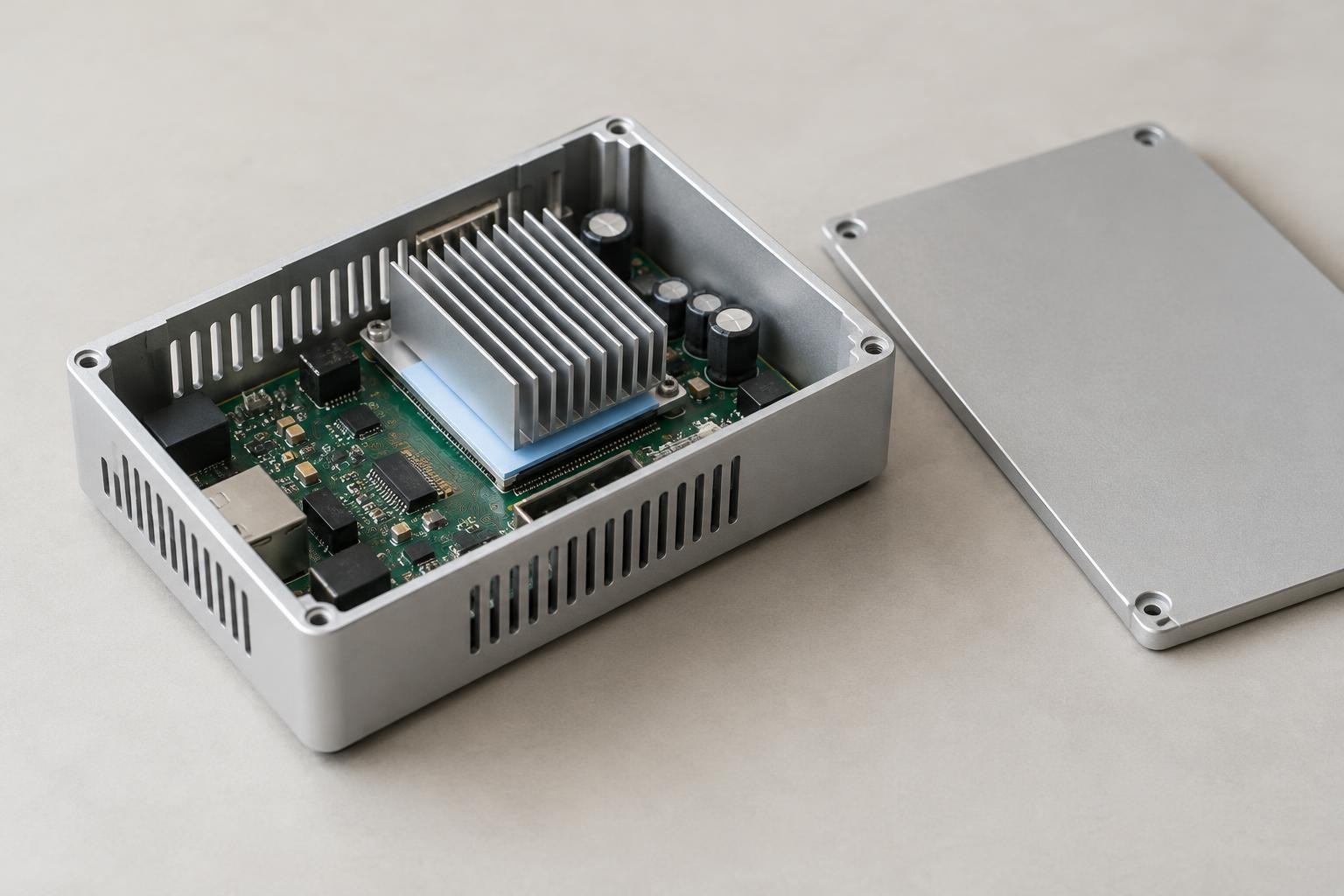
Internal layout often determines which cooling options remain available. Placing a heat-producing part near a wall can shorten its conductive path, provided the wall can safely carry and release that heat. Keeping temperature-sensitive parts away from local hot spots can help protect their performance. Mechanical supports, fasteners and board positions should be considered alongside the electrical layout: they affect the space available for heat spreaders, airflow and assembly.
Consider the product’s likely orientation in use. An opening at the top of one configuration may be blocked when the product lies flat or sits against another surface. Cables, labels, mounting brackets and a user’s hand can also obstruct areas intended to release heat. Designing around a single idealized position can leave the assembled product vulnerable to ordinary use conditions.
Choose materials and interfaces as a system
Metal enclosures can provide a useful path for spreading heat, while many common plastics conduct heat less readily. That distinction does not make one material universally better. Material choice also affects weight, touch temperature, electrical isolation, appearance, cost and manufacturing method. A metal wall that distributes heat well may need careful treatment where people hold the product; a plastic wall may call for another route from a hot component to the air.
Where a component is meant to transfer heat into the enclosure, the connection between them matters as much as the nominal material choice. Pads, pastes, brackets and heat spreaders can help bridge surfaces, but their effectiveness depends on contact pressure, alignment and the gap they must fill. Specify these features with normal manufacturing variation in mind. A thermal pad that works in one carefully fitted prototype may perform differently if production tolerances reduce compression or shift the contact point.
Balance ventilation with protection
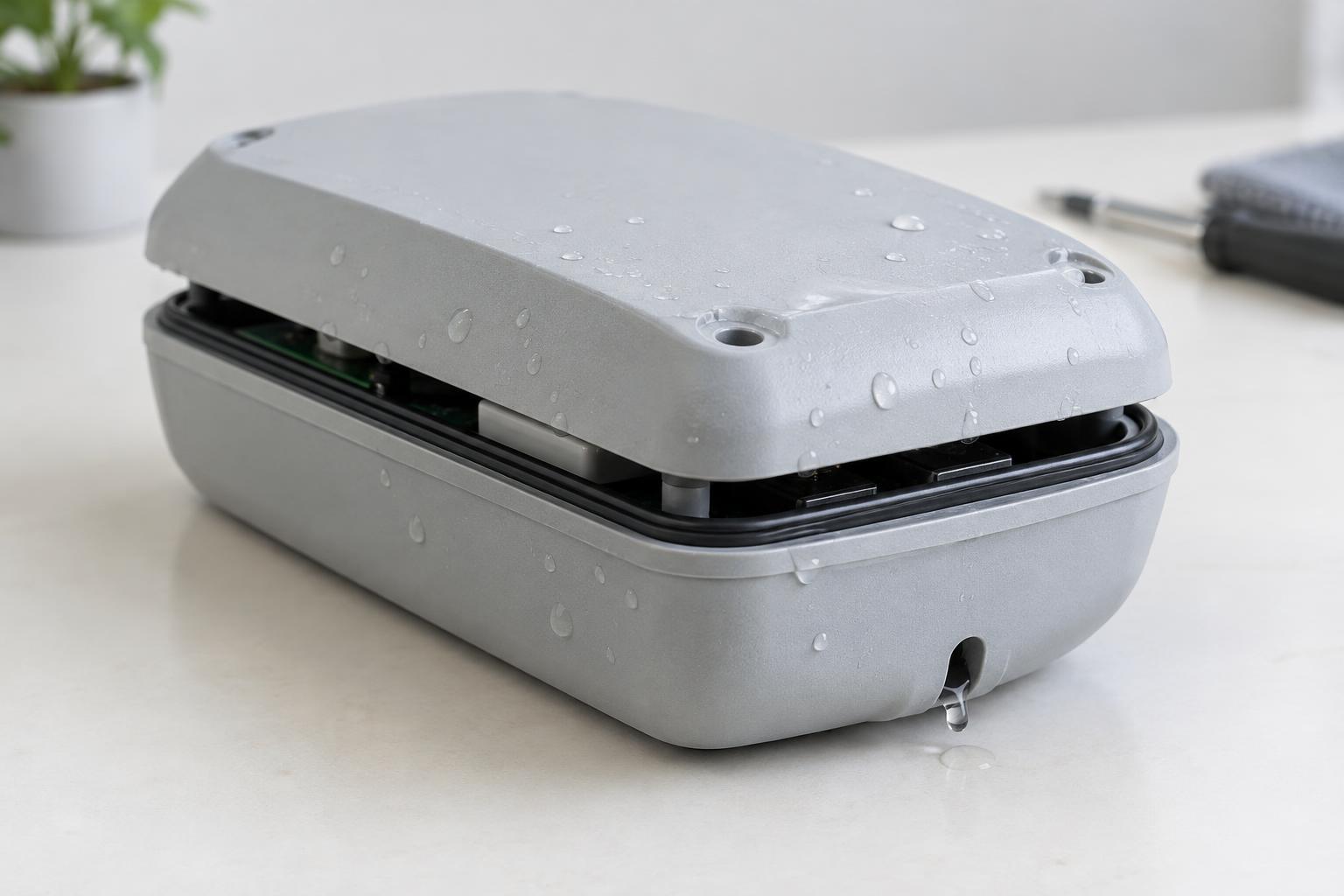
Vents can allow warm air to leave and cooler air to enter, but openings introduce other design questions. Dust, liquid exposure, cleaning practices and the chance of a finger or object reaching internal parts may limit where vents can go. Their position and shape should reflect how the product is installed, not just how an isolated enclosure looks on a workbench.
A fan can increase airflow when passive measures are insufficient, but it brings noise, power use and another part that can fail or become obstructed. Heat sinks and fins also need access to surrounding air; enclosing them in a tight, stagnant space can undermine their purpose. Begin with a clear heat path and use airflow features where they address a specific problem. The best approach may combine conduction into the case with carefully placed ventilation rather than relying entirely on one method.
Test the complete product, then revise
Thermal performance is difficult to judge from a component rating or an enclosure material alone. Test the assembled product in representative orientations, workloads and surroundings. Observe both internal component temperatures and accessible surfaces, and allow enough time for temperatures to settle where sustained operation is expected. Check conditions that might restrict cooling, such as a nearby wall, a covered vent or accumulated dust, when those conditions are plausible for the product.
Record what changed between prototypes so a result can guide the next revision. If a component runs too hot, the answer might be a shorter conductive path, a better interface, more space around a heat sink or a revised opening—not necessarily a larger enclosure. Treat thermal design as an iteration between electronics, industrial design and manufacturing. That approach makes heat management part of the product’s intended construction rather than a last-minute fix.