Start with the changes the part may need
Parametric CAD builds a model from editable decisions rather than only from its final shape. A sketch may define a profile, an extrusion may give it thickness, and a later feature may add holes. Dimensions and relationships connect those steps. When a value changes, the software attempts to rebuild the part using the same instructions.
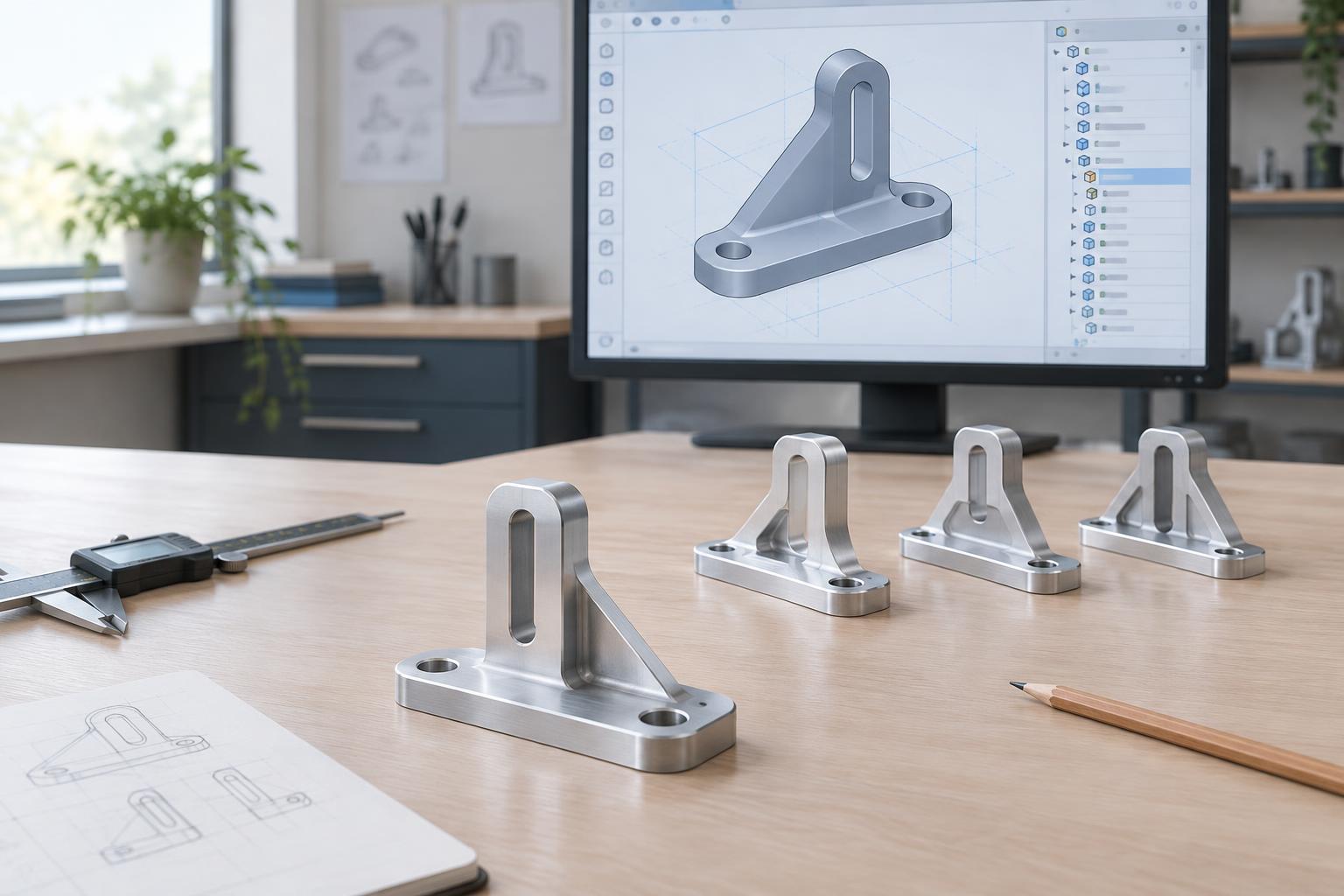
Before modeling, identify what is likely to vary. For a simple mounting bracket, that might be overall width, material thickness, hole spacing and edge clearance. Also identify what should stay related: two holes may need to remain centered, or a tab may need to stay aligned with a mating part. These choices are the model’s design intent. A model is easier to revise when its structure expresses that intent instead of merely reproducing today’s measurements.
Choose a sensible origin and orientation at the start. Placing the bracket’s center on a principal plane, for example, can make symmetrical changes simpler. A convenient reference is one that remains meaningful when dimensions change; an arbitrary corner or edge created by a late feature may be less dependable.
Give sketches enough information, but not too much
A sketch is often the foundation for several later features. Its lines and arcs should be controlled by dimensions and geometric constraints such as horizontal, vertical, parallel, concentric and symmetric. If a profile can still drift when dragged, an important relationship may be missing. If the software reports conflicting constraints, two instructions may be trying to control the same thing in incompatible ways.
Dimension the relationships that matter to the part. For a centered slot, it is usually clearer to constrain its midpoint to a centerline than to position each side independently from separate edges. For a repeated hole layout, one spacing dimension and a symmetry relationship may communicate the intent better than several unrelated coordinates. Avoid adding dimensions simply to make the sketch appear complete; each one should have a purpose.
Keep sketches reasonably focused. A single sketch containing every outline, hole and cut can be difficult to diagnose after a revision. Separating the main profile from secondary details often makes the feature history easier to read, provided the added steps still reflect how the part is defined.
Build a feature history that tells a clear story
The feature tree records the order in which the model is made. Begin with the part’s main volume, then add features that depend on it. For a bracket, a base extrusion might come first, followed by mounting holes, a slot and edge treatments. This order is not a manufacturing plan; it is a way to keep geometric dependencies understandable.
Prefer stable references when placing later features. A hole located from a central plane and a primary face may survive a width change more reliably than one located from an edge that might disappear when a cut changes. If a feature fails after an edit, look upstream for the reference or dimension that changed rather than repeatedly repairing the final feature.
Use names where they help someone navigate the model: “Base thickness” and “Mounting holes” convey more than a list of default feature names. Patterns are useful for repeated details, but define the first instance carefully. The pattern will repeat its placement logic as well as its shape.
Use parameters for deliberate variation
Named parameters let important dimensions be changed in one place. A small bracket might use variables for width, thickness, hole diameter and minimum edge clearance. A dimension can then refer to another value where there is a genuine relationship, such as setting hole offset from the centerline to half the hole spacing. This is more useful than linking dimensions merely because they happen to share a value in the first version.
Keep the parameter set manageable. Too many formulas can make a model harder to understand than direct dimensions would. Document unusual relationships in clear names or brief feature notes if the CAD system allows them. When designing a family of sizes, test both small and large intended values early; a model that rebuilds at its starting size may fail when a slot reaches an edge or a fillet no longer fits.
Treat every revision as a test
After changing a key dimension, rebuild the model and inspect more than the absence of error messages. Check whether holes are still centered, walls retain suitable clearance, and cuts pass through the intended material. View the part from several angles and examine cross-sections when hidden geometry matters. A successful rebuild can still produce a shape that no longer serves the design.
Try a few plausible changes before handing off the model: increase width, reduce thickness or adjust hole spacing. If one edit causes a chain of failures, simplify the references or separate features that have become too dependent on one another. Save a clear version for review, and communicate which dimensions are intended to be flexible. The goal is not a model that anticipates every possible change, but one whose expected changes are straightforward to make and verify.