Decide what the prototype needs to teach you
A usability test is a chance to watch someone try to use a product, not a presentation where you explain why the design works. Before inviting participants, write down the decisions the test should inform. You might need to know whether people can find an opening mechanism, understand which way a part fits, adjust a control or put a product away after use. A focused test is easier to run and produces clearer observations than a general request for feedback.
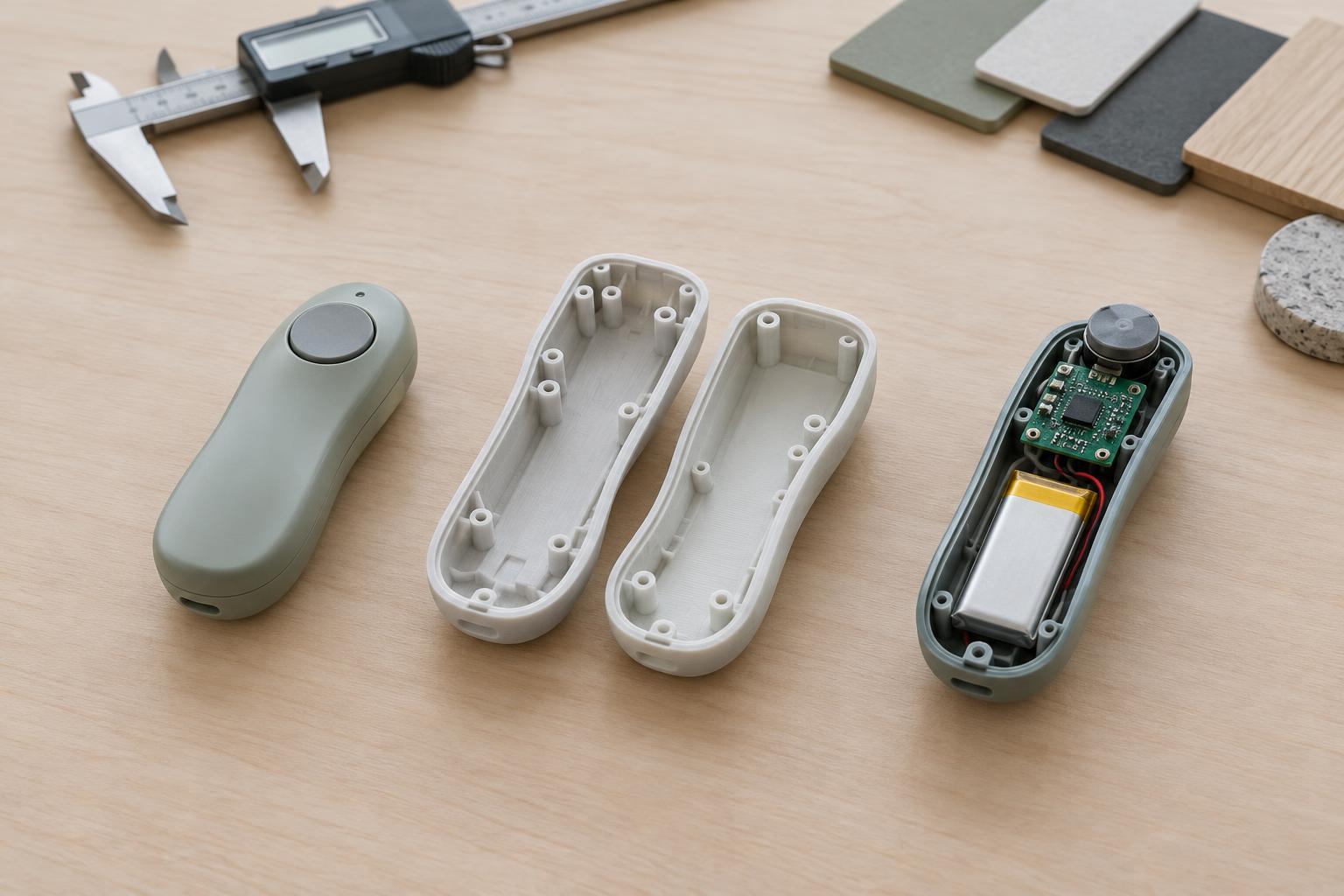
Match those questions to what the prototype can actually demonstrate. A cardboard model may help you assess size, reach and placement, but not the force required to operate a final mechanism. A working prototype may support an assembly task while still having a temporary surface finish. Note these limits in advance so you do not treat reactions to unfinished details as verdicts on the whole design.
Prepare tasks and a safe setup
Write short tasks that describe a goal rather than the steps to achieve it. Instead of saying, “Press the release tab and lift the lid,” say, “Open the container and take out what is inside.” Give participants the information a real user would have, such as a label or instruction card, but avoid adding hints they would not normally receive. Choose a small set of tasks that covers the most important interactions, including a reset or storage task if that is part of normal use.
Check the prototype before each session. Remove sharp edges, secure loose components and identify anything that could pinch, spill or break. If the model cannot safely support an action, explain that limit and use a different task. Arrange the space so the participant has room to handle the object naturally and you can see their hands and the product. Keep a spare part or repair materials nearby when possible; a failed prototype can interrupt a session without telling you much about usability.
Invite relevant people and let them work
Participants should resemble the people expected to use the product in ways that matter to the test. For example, prior experience with a type of tool may affect how someone approaches its controls. You do not need to claim that a small group represents every future customer. A few individual sessions can still uncover problems worth investigating, especially when several people encounter the same obstacle.
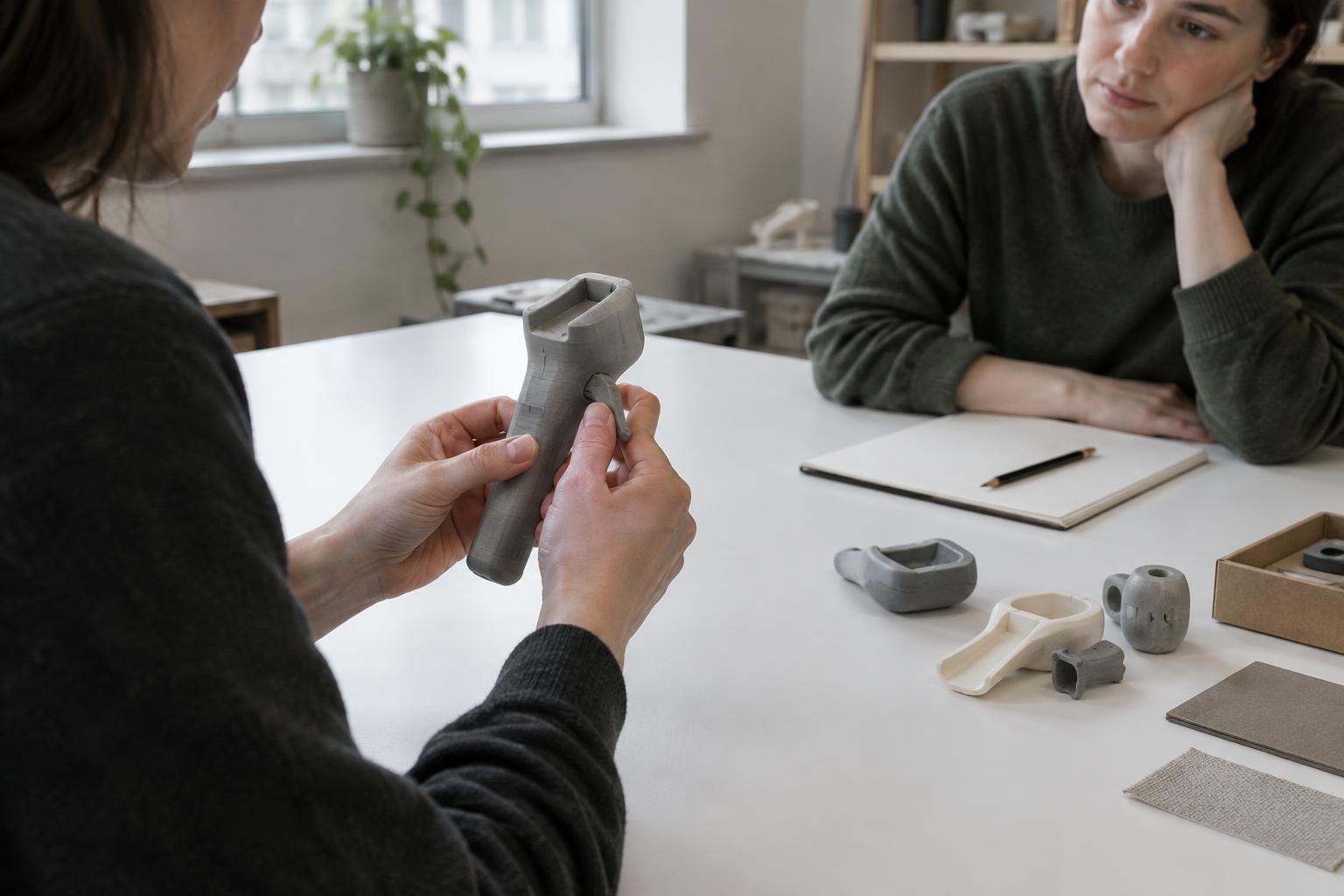
At the start, tell each participant that you are testing the design, not their ability. Explain any safety boundaries and ask permission before recording audio or video. Then present one task at a time and allow them to act. If they ask what to do, a neutral response such as “What would you try next?” is less leading than pointing to the answer. Step in when safety requires it or when a task cannot continue, and note that intervention as part of what happened.
Record behavior before interpreting it
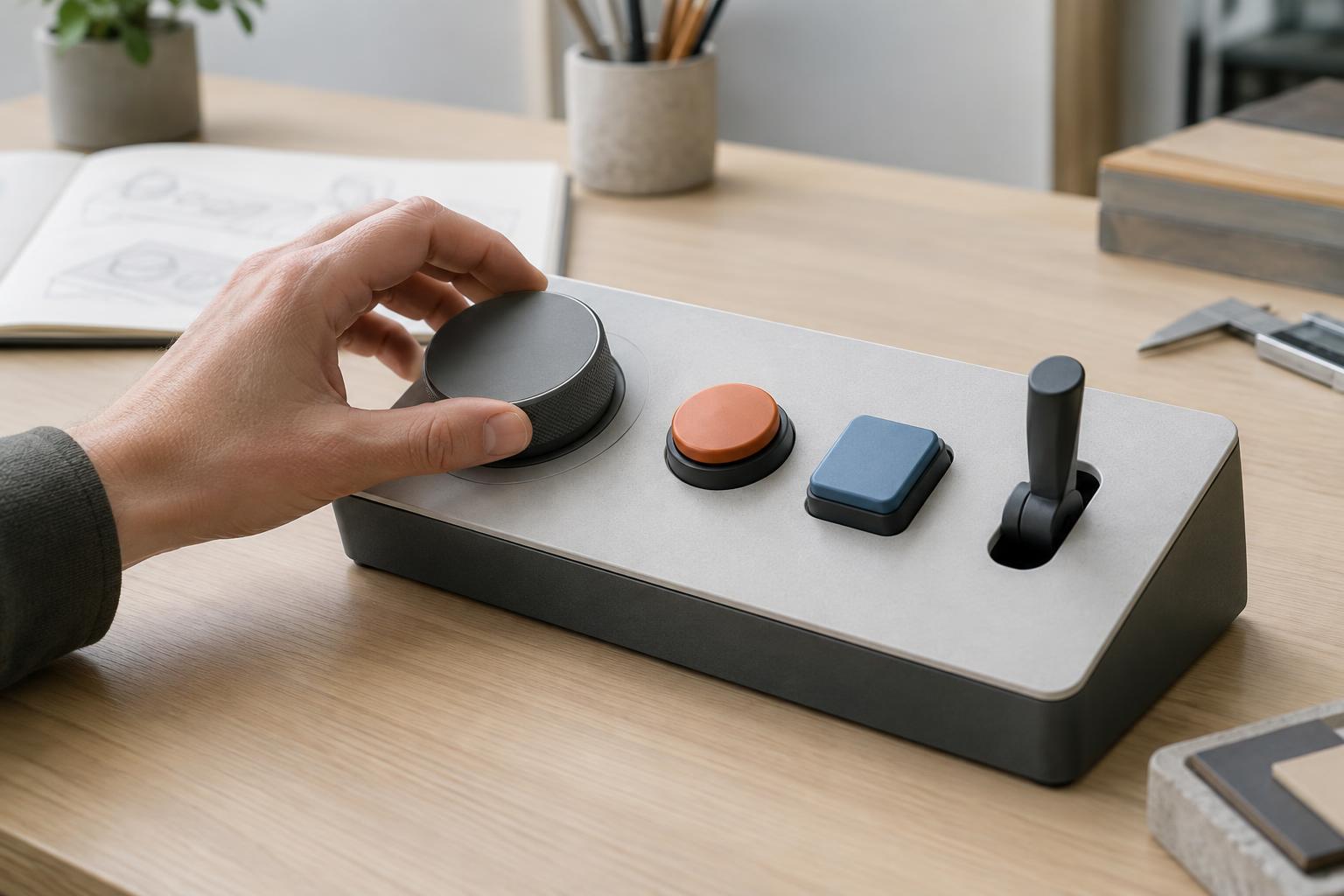
Watch for where people look, what they touch first, how they grip the object and when they pause or change approach. Record concrete events: “Participant turned the housing over twice before finding the latch” is more useful than “The latch is confusing.” Note successful actions too. They may reveal which cues already work and should be preserved during a redesign.
After a task, ask open questions about the participant’s experience. “What were you looking for at that point?” can clarify a pause without suggesting the desired answer. Comments about preferences are useful context, but compare them with observed behavior. Someone may say an action was easy after needing several attempts to complete it. If you record sessions, use the footage to check uncertain notes rather than relying on memory alone.
Turn observations into the next prototype
Soon after the sessions, group observations by task and design feature. Separate what happened from possible explanations. If several people missed a control, its location, contrast, shape or surrounding features could each be contributing factors. Look at how serious the consequence was as well as how often it appeared: an uncommon error that could damage the product may deserve attention before a frequent but minor hesitation.
Choose changes you can test. You might move a control, alter its shape, add a physical cue or revise the sequence of an assembly step. State what each change is intended to improve, then make a new prototype and repeat the relevant tasks. Usability testing works best as a cycle of observing and revising. The goal is not to prove that a prototype is finished, but to make the next design decision with a clearer understanding of how people use it.