Begin with the task, not the button
A physical control is the point where a person asks a product to do something. Before choosing a button, dial, lever or switch, define the task: what action must the user take, when will they take it, and what should they expect to happen? A control used every day deserves a different level of prominence from one used only during setup.
Consider the conditions around the task. A person may be standing, sitting, carrying something or working in poor light. They may approach the product from an angle rather than straight on. Sketching these ordinary situations helps reveal whether a control needs to be visible at a glance, identifiable by touch or protected from an accidental press. It also helps distinguish a placement problem from a labeling problem: a clearer label cannot help much if the control is hidden behind a door or difficult to reach.
Make controls easy to find and distinguish
Visual clarity starts with hierarchy. Give the most important or frequently used controls a predictable position and enough space to stand apart from surrounding details. Contrast between a control, its label and the product body can help people locate it, but color should not be the only clue. Shape, position, text and tactile features can reinforce the same meaning when lighting or color perception varies.
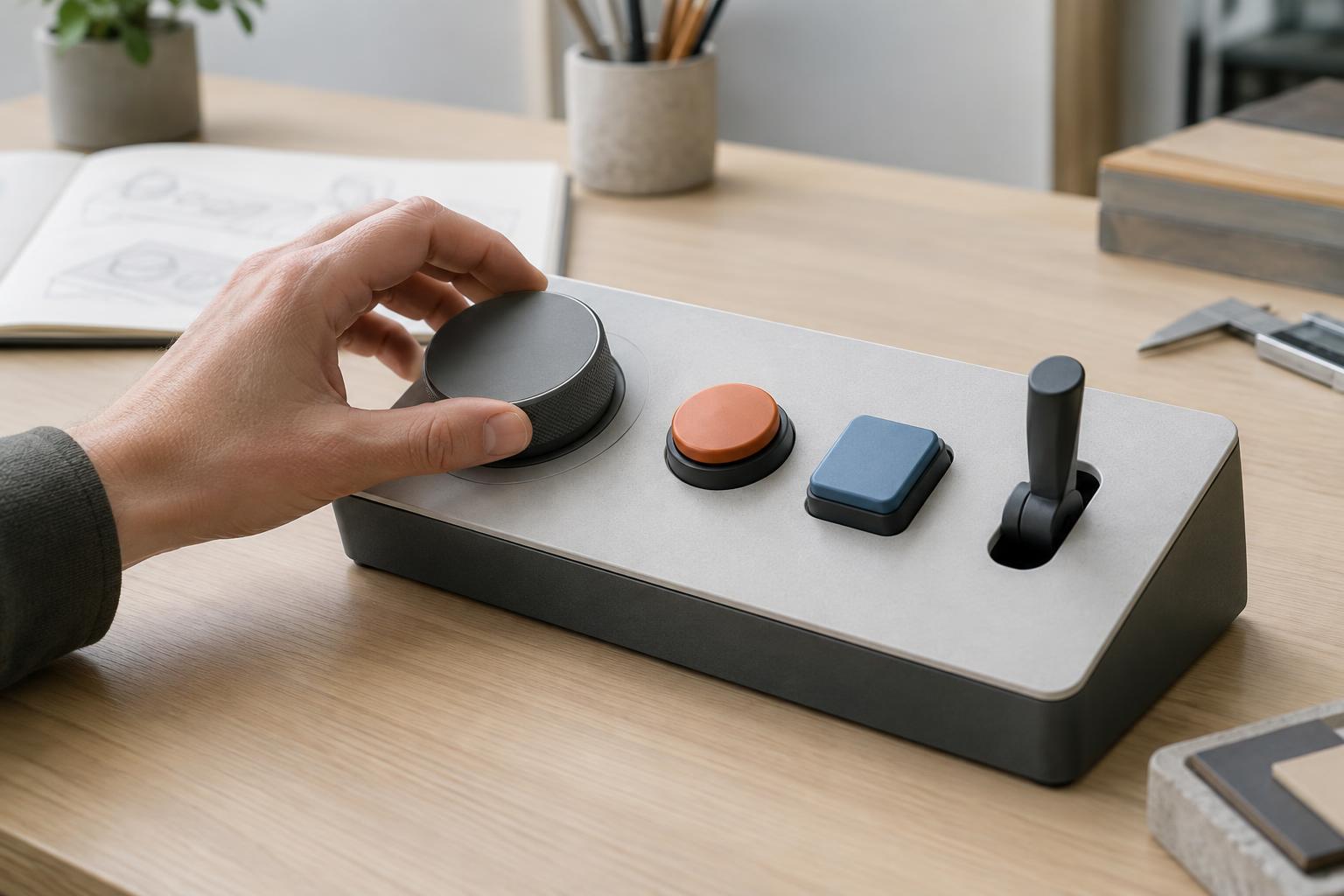
Group controls that belong to the same task, and separate those that perform different or conflicting actions. A row of identical buttons may look tidy, yet it can force people to read every label each time. Differences in size, shape or spacing can make choices easier to identify without making the product visually busy. Labels should name the action or resulting state in familiar language, and their position should make it clear which control they describe.
A control also needs to be legible throughout its movement. Fingers can cover small markings, and a dial's pointer may disappear at certain angles. Check how the product looks during use, not just in a presentation image. Where a setting matters, show its position or state clearly enough that a user can confirm it before acting.
Design for reach and a comfortable action
A visible control is not necessarily reachable. Check whether a person can approach it without twisting a wrist sharply, stretching across a hot or moving area, or gripping the product in an unstable way. The best location depends on the product and its users; testing a full-size mock-up is often more revealing than judging a screen rendering.
The control's form should support the motion it asks for. A dial needs enough exposed edge to grasp and turn; a button needs room for a fingertip without pressing its neighbor; a lever needs a clear path of travel. Resistance should help prevent unintended movement without making the action unnecessarily difficult. Consider people using gloves or operating the product with limited hand strength, especially when those uses are plausible for the setting.
Reach and spacing interact. Moving controls closer together may shorten hand travel but increase accidental presses. Recessing a control may protect it but make it harder to operate. These are design trade-offs rather than rules with one ideal answer, so evaluate them against the importance and frequency of each action.
Give the user a clear response
After someone operates a control, the product should indicate whether the action worked. Feedback might come from a change in position, a distinct click, an indicator light, a display message or an observable change in the product. The appropriate choice depends on whether the result is immediate and obvious. A button that feels as though it moved but gives no other sign of success may prompt a second, unintended press.
Match the control's behavior to its appearance. A switch with two stable positions suggests an on/off state; a momentary button suggests a brief command. If the product can reject an action or needs time to complete it, make that status understandable rather than leaving the user to guess. Consistent feedback across related controls helps people learn how the product behaves.
Prototype the whole interaction
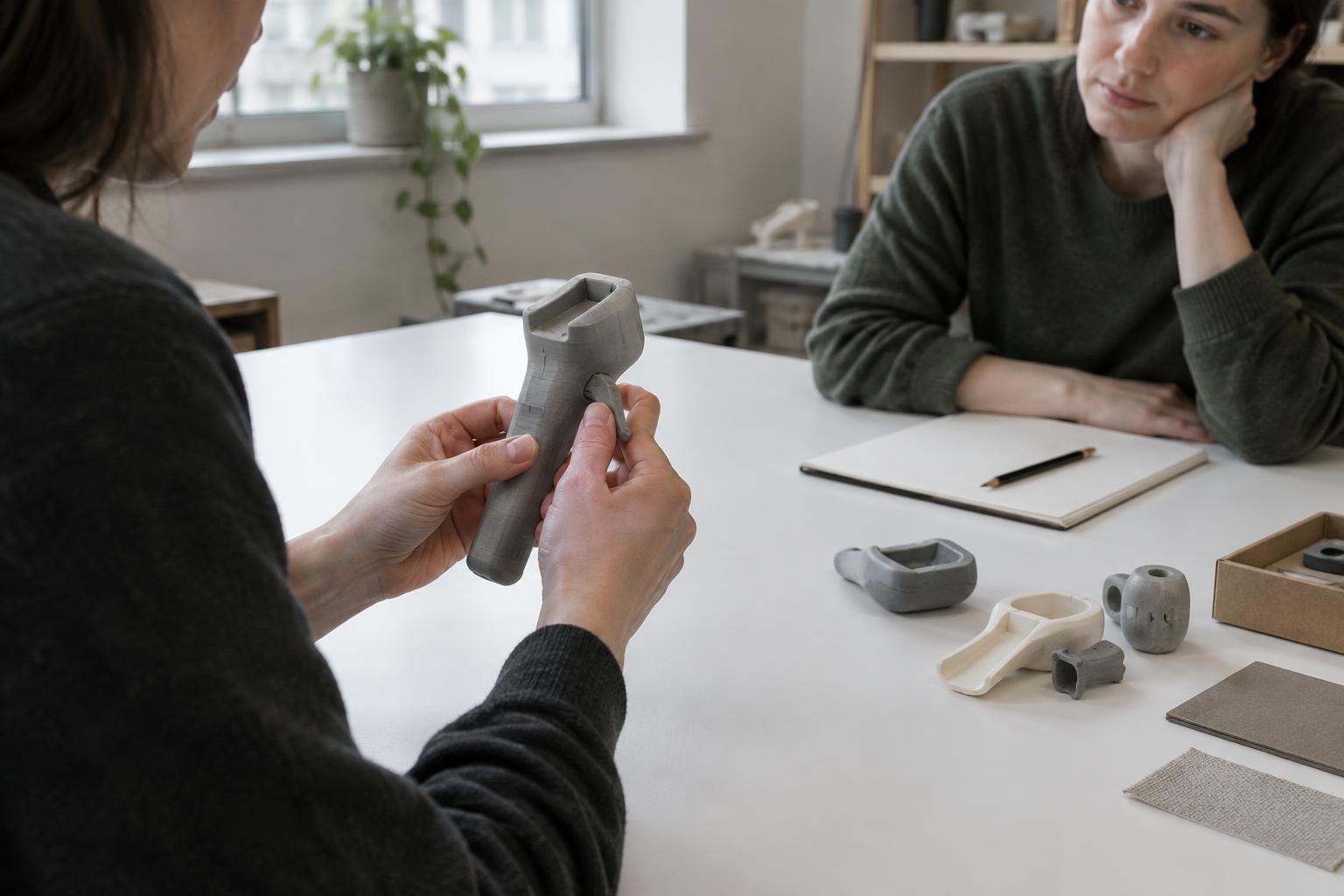
Early prototypes do not need finished electronics to expose design problems. Full-size cardboard forms, printed labels and simple mechanical mock-ups can reveal whether controls are hidden by a hand, crowded by nearby parts or confusing to tell apart. Ask people to attempt realistic tasks without first explaining the intended layout. Observe where they look, what they reach for and when they hesitate, then ask what they expected to happen.
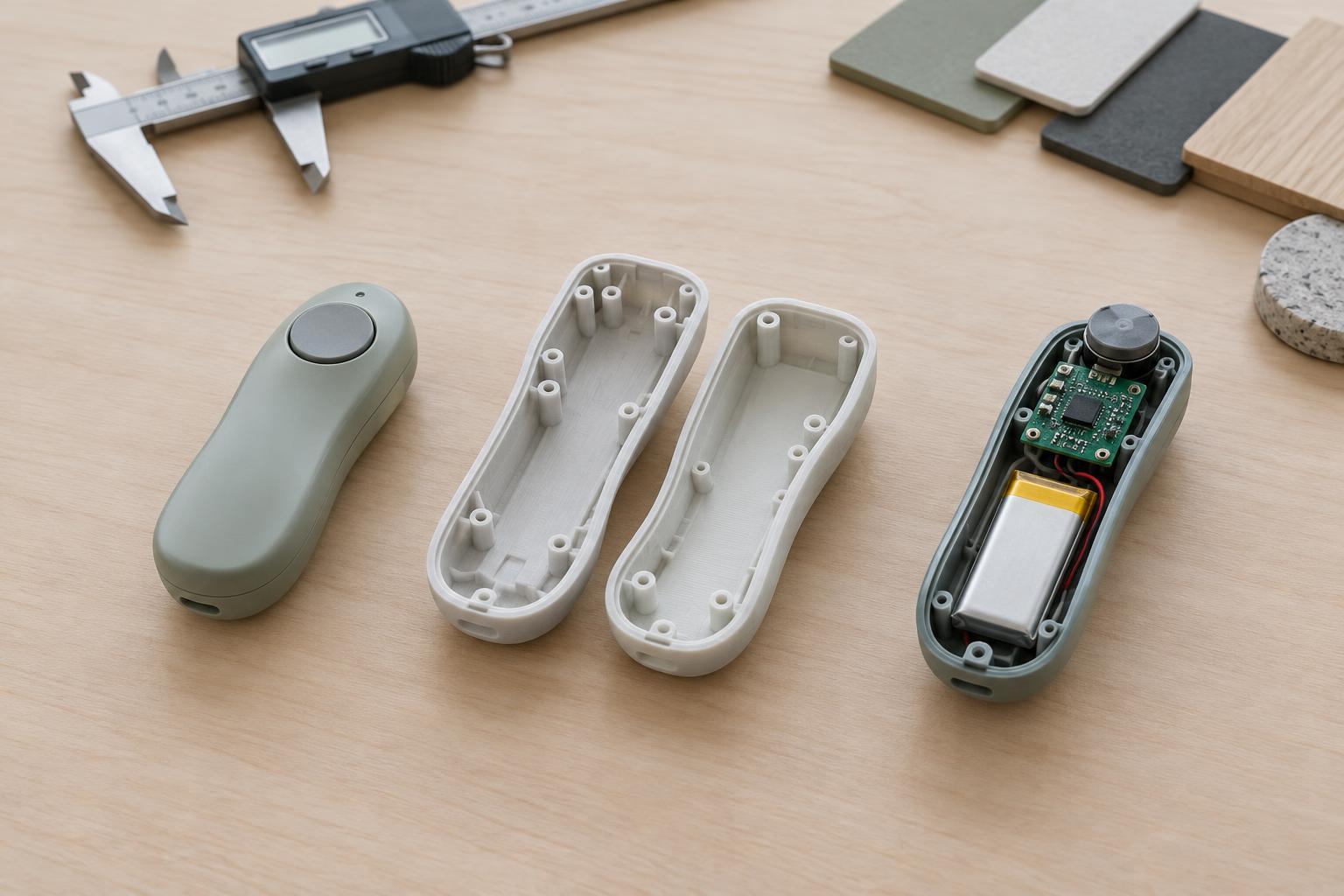
Refine the design with production and maintenance in mind. A promising texture may be difficult to keep consistent across manufactured parts, while a label placed on a high-contact surface may wear or collect dirt. Assemblies also need sufficient room for the control mechanism, wiring and service access. Checking these constraints early makes it easier to preserve the qualities that made the control usable in the first place.