What product architecture means
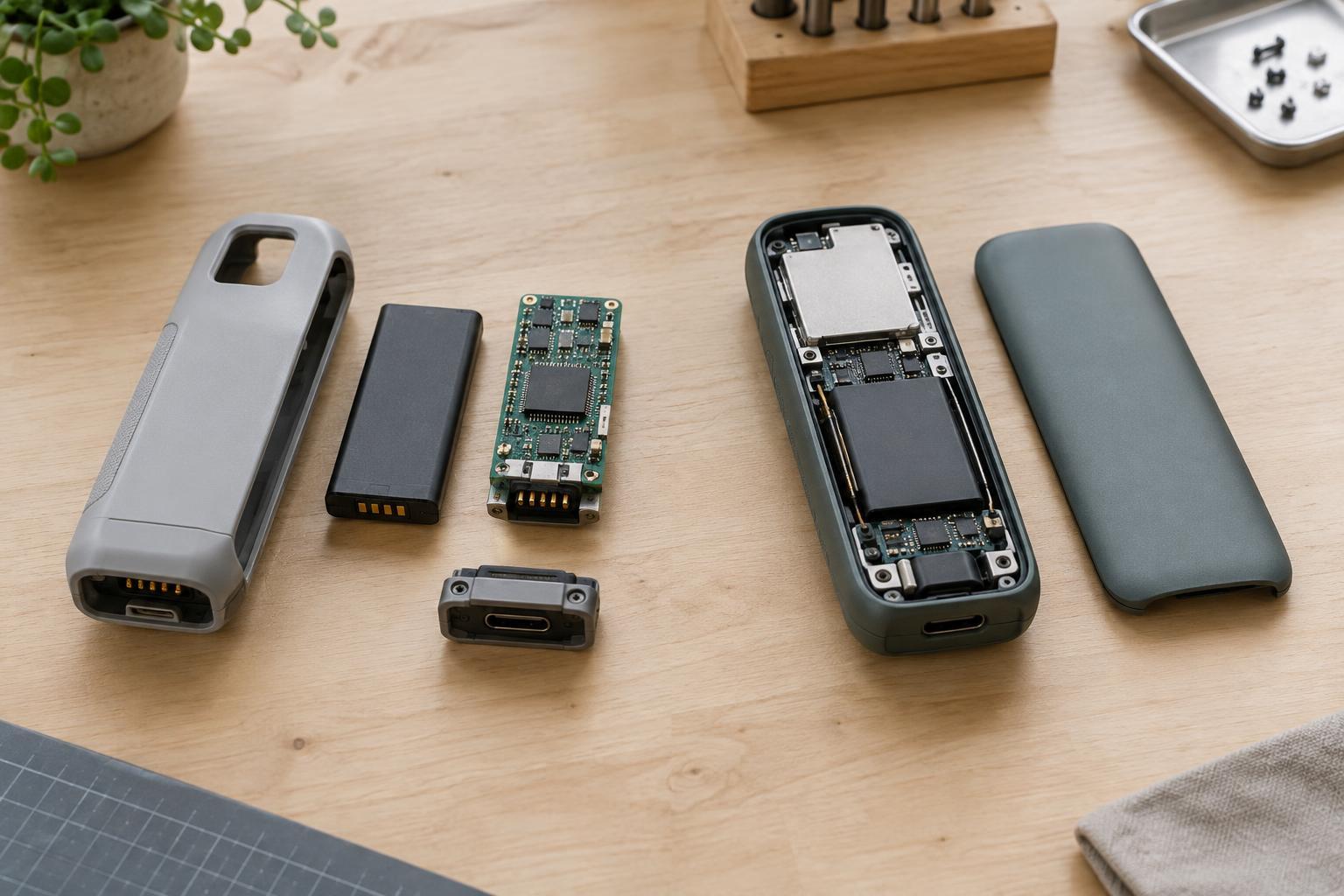
Product architecture describes how a product’s functions are assigned to physical parts and how those parts interact. A modular product groups functions into units with defined interfaces. A desktop computer, for example, can accept certain replacement components through standardized connections. An integrated product combines functions more closely, sometimes using one part to perform several jobs or designing adjacent parts specifically for one another.
Neither term describes an entire product perfectly. A product may have a tightly integrated outer structure and replaceable internal modules. The important design choice is where to draw boundaries: which functions should stand alone, which should share parts, and what must pass across each connection. Those decisions shape not only the product’s appearance and operation, but also how it is assembled, tested, stocked and serviced.
Performance and physical design
Integration gives designers more freedom to optimize parts together. A housing might also support internal components, conduct heat and provide a finished surface. Removing separate brackets or connectors can save space and reduce part count. When size, weight or a particular performance target dominates the brief, that freedom can be valuable.
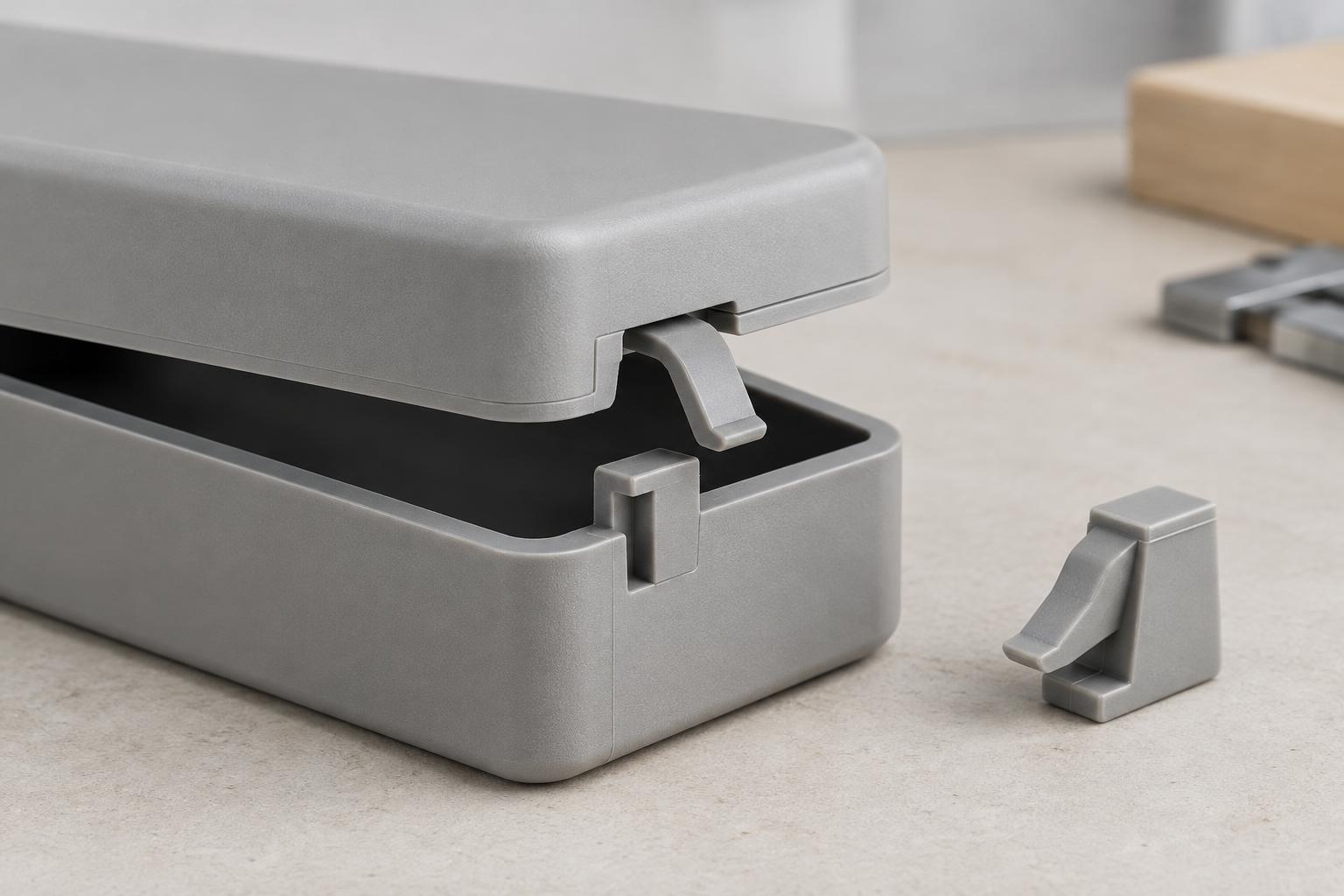
Modularity requires interfaces: mounts, connectors, clearances and rules for how units fit together. These can take up space and limit the shape or placement of a component. In return, a well-defined interface allows one unit to change without forcing a redesign of everything around it. That can make it easier to offer different capacities, finishes or features on a common platform.
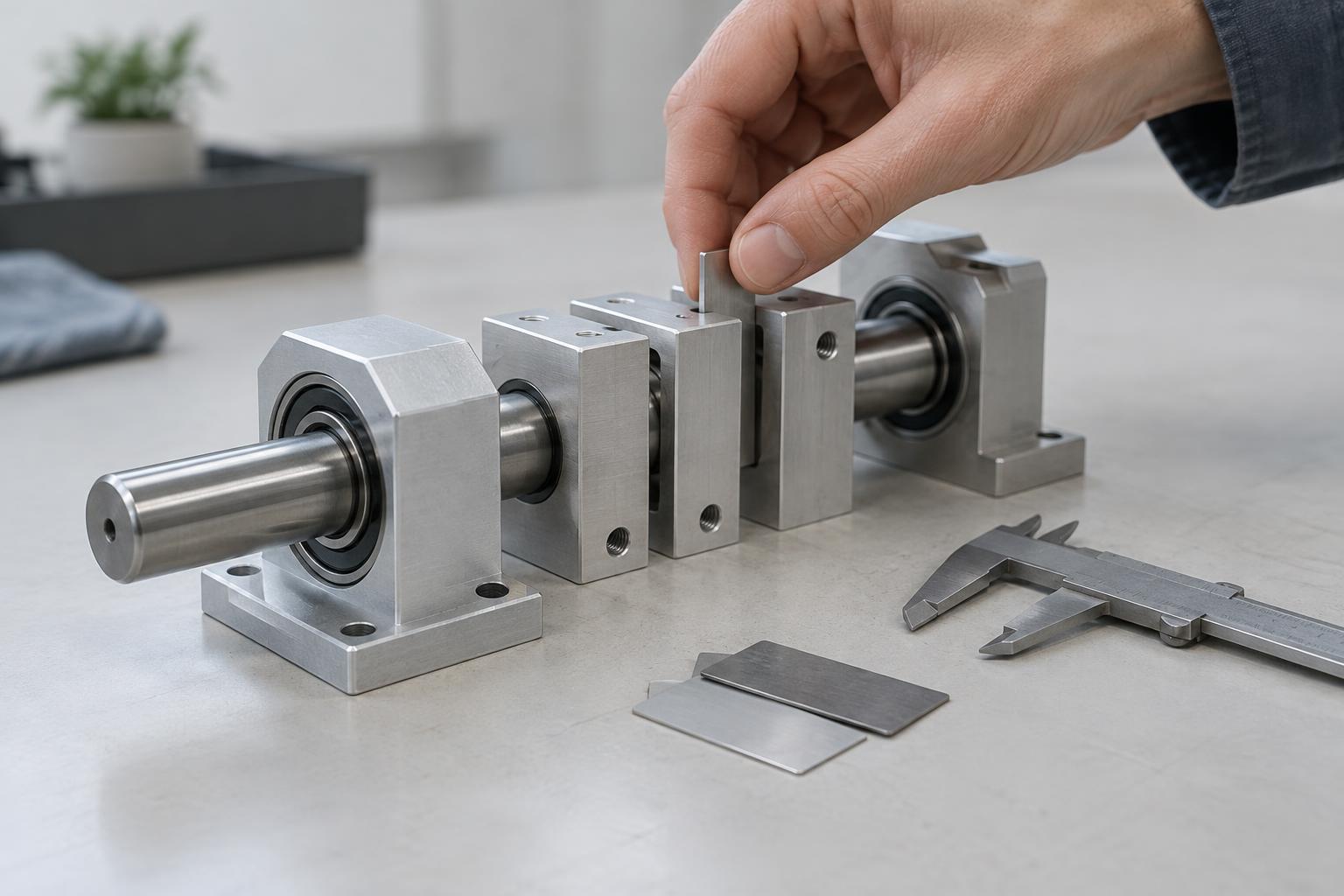
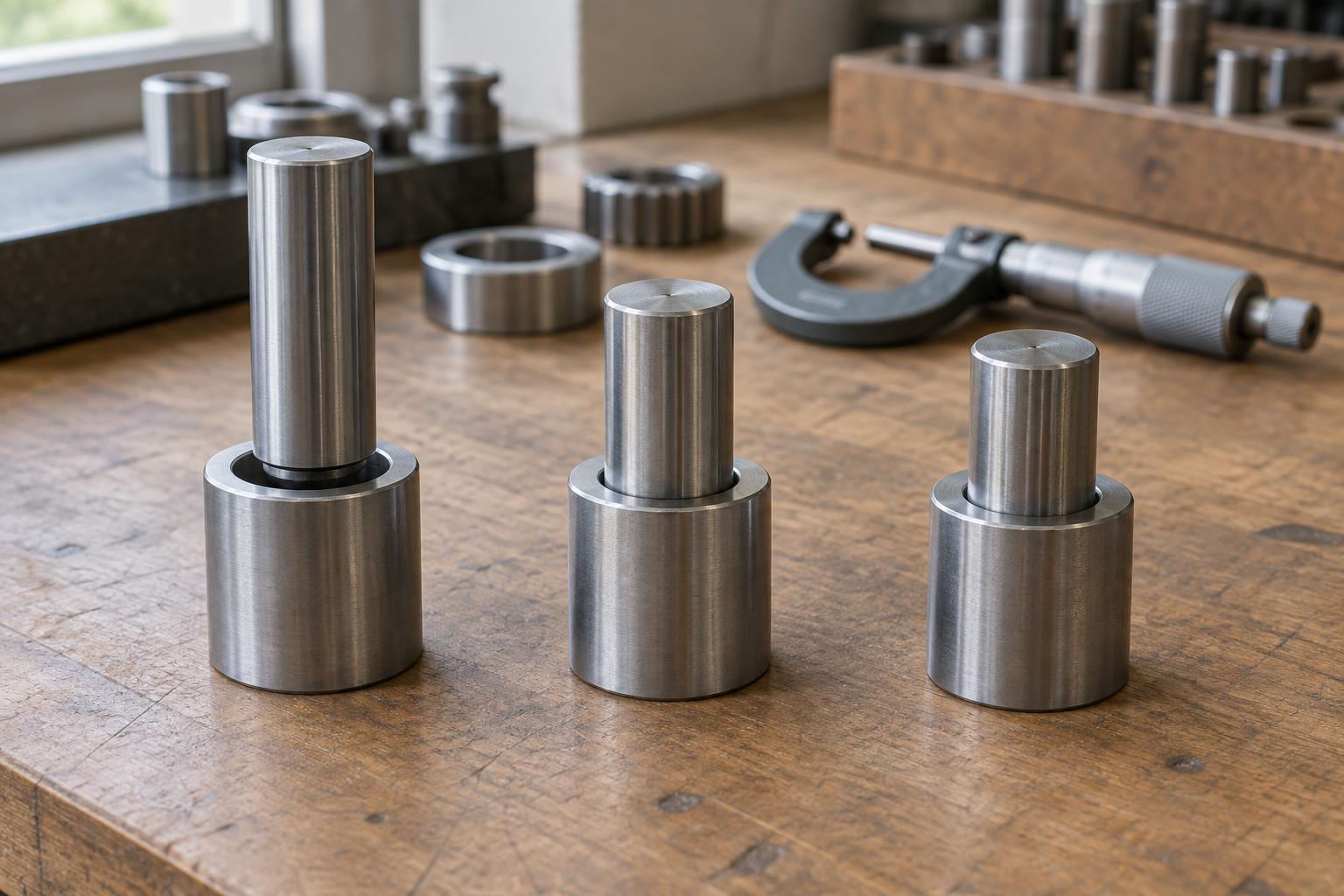
Interfaces deserve careful attention because they become performance boundaries. A joint may need to carry loads, exclude dust, transfer heat or withstand repeated handling. A modular layout is not automatically flexible in practice; it is only as useful as the connections and constraints that support future changes.
Manufacturing, testing and cost
A modular architecture can let teams build and test units separately before final assembly. The same module may also serve several product variants, reducing the number of unique parts those variants need. But modules introduce their own work: connectors must be made, mating surfaces controlled, and assembly steps checked. Keeping several interchangeable options in stock can add planning and inventory complexity.
An integrated design may simplify final assembly when it replaces multiple pieces with a single part. It may also demand more from that part or its production process. If one molded component performs several functions, a defect in any one feature could require rejecting the whole component. Changes can be harder to isolate because one adjustment may affect several neighboring functions.
Cost therefore depends on more than part count. Teams need to consider tooling, assembly time, inspection, expected production volume and the number of variants. A useful comparison follows the full build sequence: what is purchased, what is made, where defects can be found, and what has to be replaced when something fails.
Repair, upgrades and product life
Replaceable modules can make maintenance more straightforward when a failed unit can be reached and removed without damaging surrounding parts. They can also allow selected upgrades while keeping the rest of the product in use. These benefits depend on practical details such as access, fasteners, diagnostic information and continued availability of compatible replacements.
An integrated assembly may be harder to repair at the component level, but that does not mean it will necessarily fail sooner. It may have fewer exposed connections or fewer joints that can loosen. Designers should distinguish the likelihood of a fault from the consequences of one: if a feature does fail, how much must be replaced, and what work is required to do it?
The same questions matter at end of life. Parts that separate cleanly may be easier to sort or reuse, while mixed materials and permanent joints can complicate disassembly. Yet extra modules also use materials and packaging. The preferable approach depends on the product’s expected use, failure modes and realistic path for repair or recovery.
How to choose an architecture
Start by listing the product’s functions and the needs that are least negotiable. Identify which features are likely to vary between models, which may need replacement, and which must work in close physical coordination. Put potential module boundaries around functions that benefit from independent change, then test whether their interfaces can meet requirements for strength, fit, power, data or environmental protection.
Next, compare a few plausible layouts rather than treating “modular” and “integrated” as two complete designs. For each layout, sketch the assembly sequence, the tests needed before and after assembly, and a likely service procedure. A small prototype of a critical joint or replacement step can reveal difficulties that are easy to miss in a diagram.
A good architecture makes deliberate compromises. Integrate where shared parts or close coordination provide a clear benefit; separate where interchangeability, access or independent testing justifies the interface. The aim is not maximum modularity or minimum part count, but a product whose design, production and upkeep make sense together.