Start with the assembly, not just the parts
A product may look simple when finished but require many separate actions to build. Someone must pick up each part, identify its orientation, position it, hold it in place and secure it. Design for assembly, often shortened to DFA, asks whether the product can perform its intended function with fewer parts and less complicated handling. It is useful early in product development, when changing a shape or joint is easier than changing an established production process.
Begin by walking through the proposed assembly in order. List every part, fastener, tool change and point where a component must be held while another is fitted. Note steps that demand close visual judgment or allow a part to be installed incorrectly. This exercise reveals opportunities that a drawing of the finished product may hide. It also gives the team a baseline for comparing design changes without assuming that fewer parts automatically mean less work.
Decide which parts really need to be separate
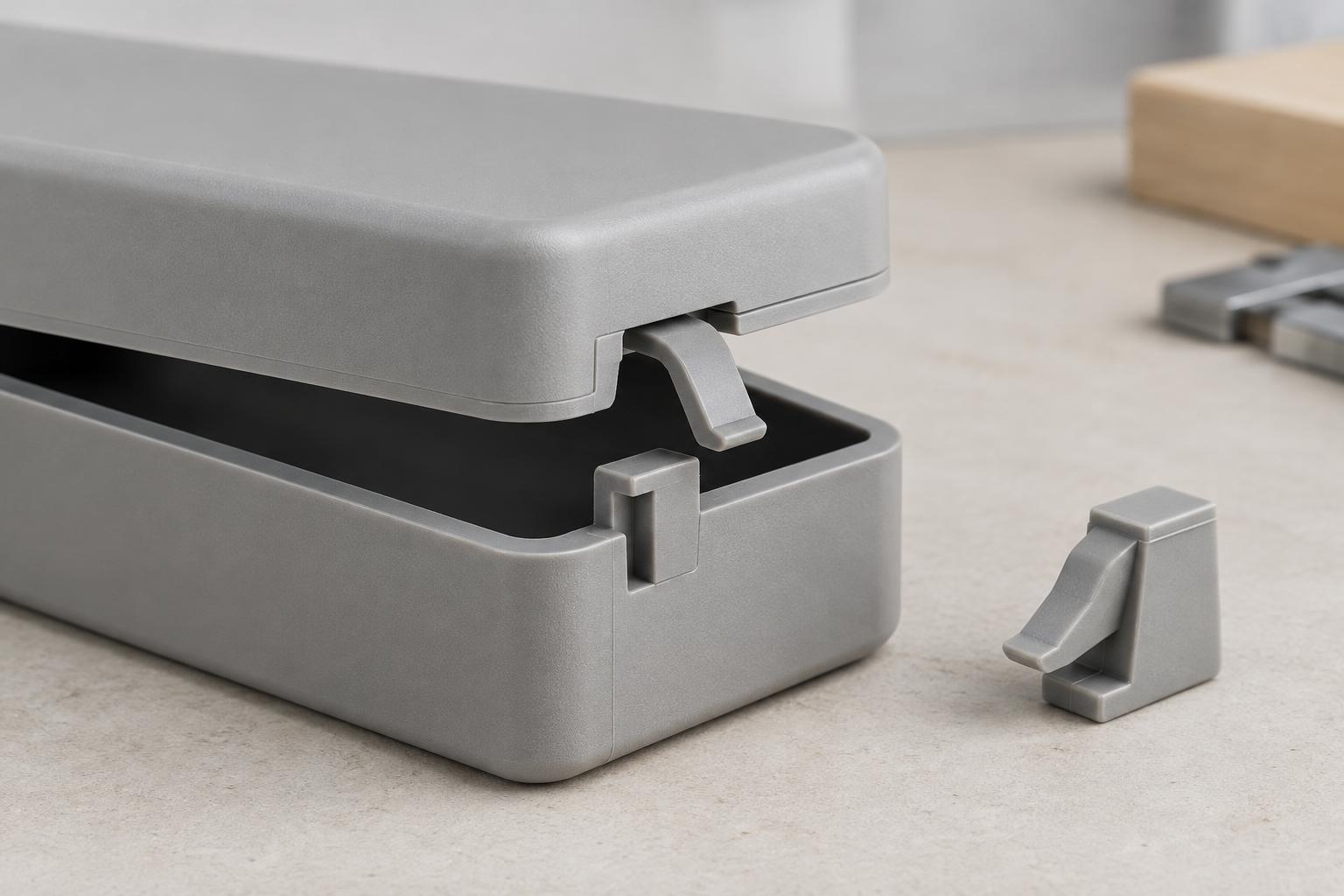
Two components may be candidates for consolidation if they use the same material, never move relative to each other and do not need to be separated for service, replacement or inspection. For example, a small bracket molded as part of a housing could remove a separate item and its attachment step. A cover that must open for repair, by contrast, has a reason to remain separate. The question is not simply “Can these parts be combined?” but “What purpose does their separation serve?”
Consolidation can shift difficulty elsewhere. A larger molded part might need a more complex tool, be harder to inspect or require the whole housing to be replaced if one feature breaks. Combining parts made from different materials may also complicate material selection or end-of-life separation. Compare the complete manufacturing and use sequence before removing a joint. A modest reduction in assembly effort may not justify a less durable or less serviceable product.
Make each part easy to orient and place
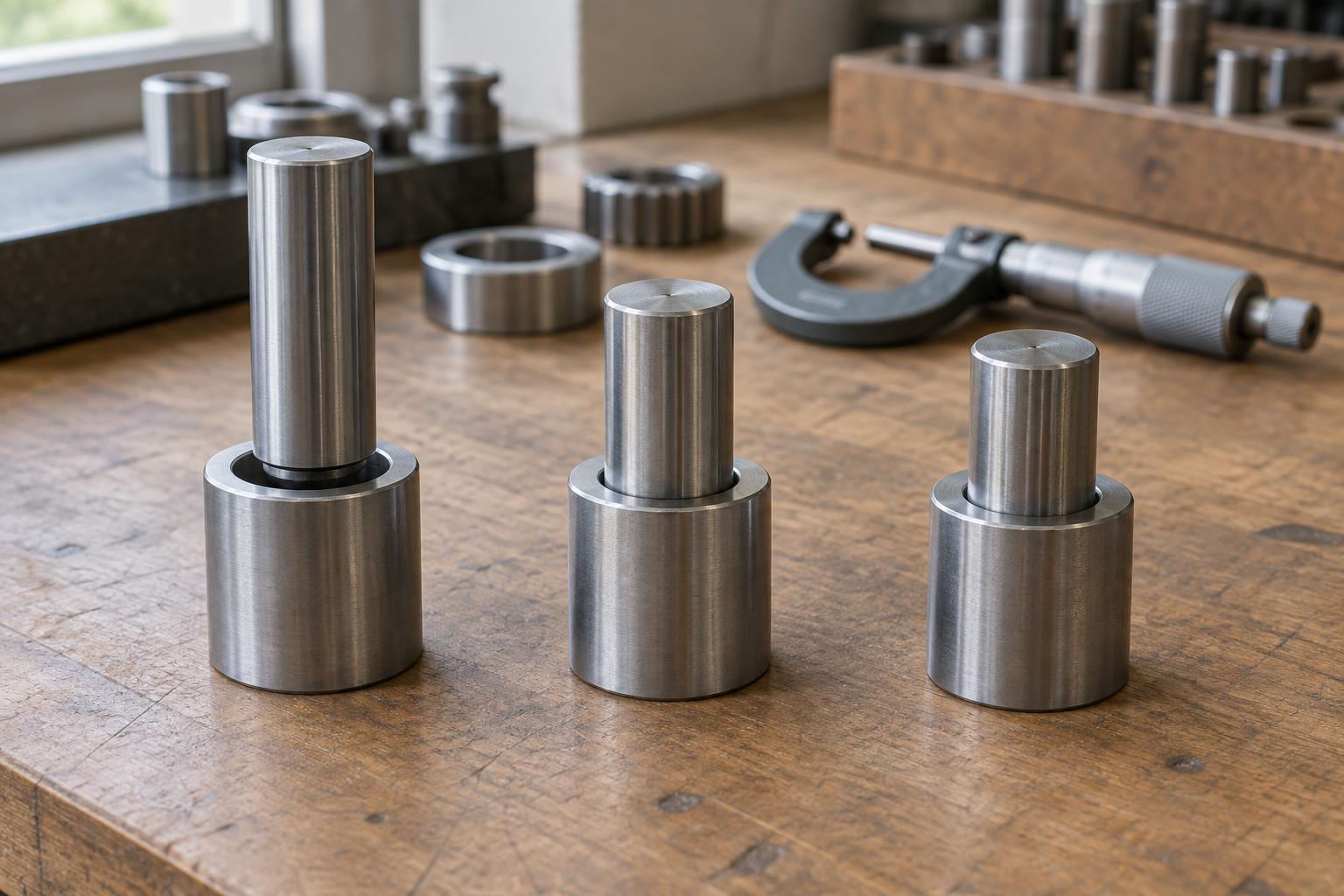
Even when a part must remain separate, its geometry can make assembly more straightforward. Symmetrical parts may work in more than one orientation. Where symmetry is not possible, distinct features can make the correct orientation obvious. Lead-ins, chamfers and locating features can help a component settle into position before it is secured. These details are especially valuable when the assembler has limited visibility or must work inside a deep enclosure.
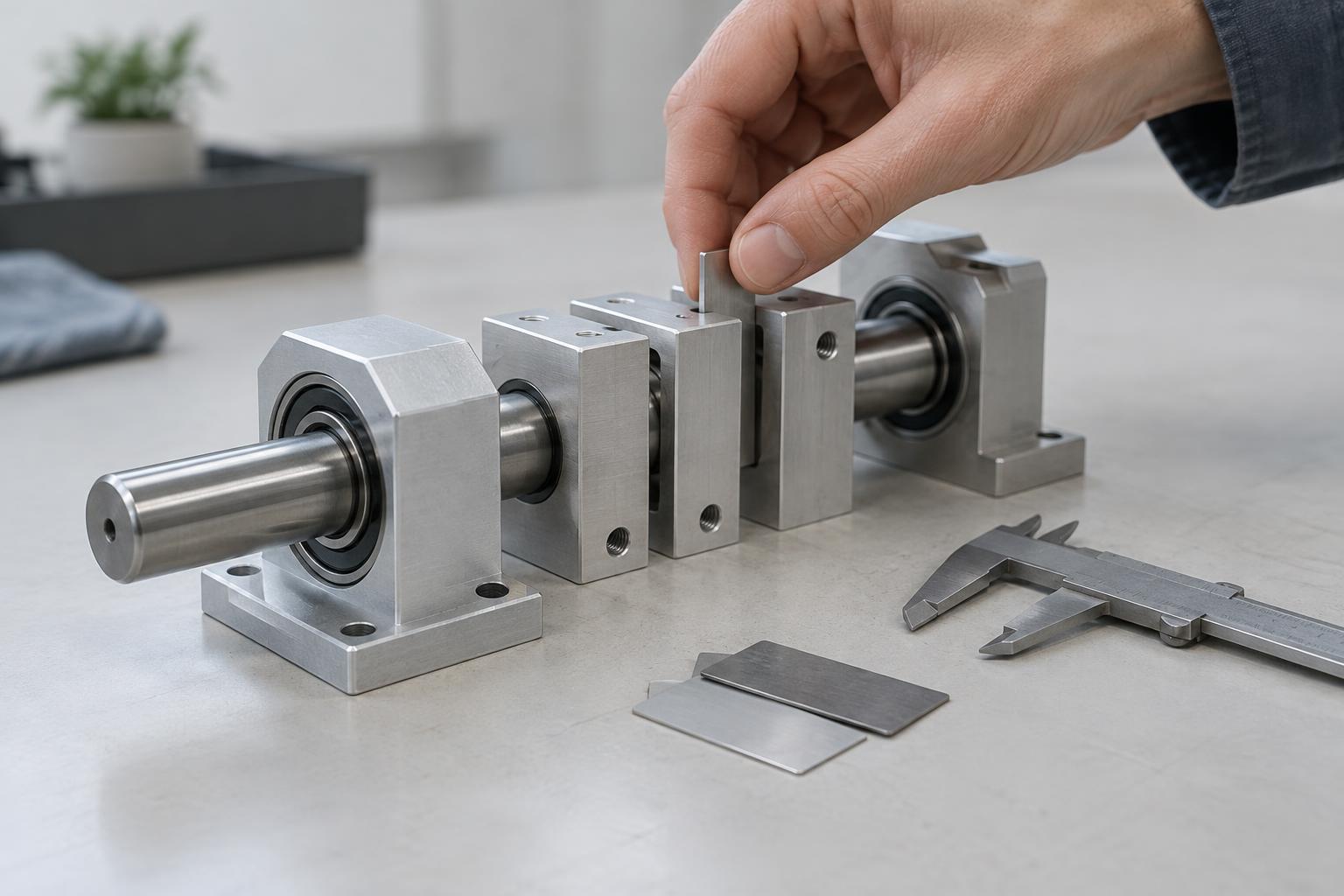
Aim for parts that locate themselves without needing several hands, fixtures or repeated adjustments. A tab and slot, for instance, may hold a panel in position while its final connection is made. Design such features with realistic manufacturing variation in mind: a fit that works only when every dimension is exact is likely to cause trouble. Prototypes made with the intended materials and processes are more informative than a perfectly fitting digital model.
Simplify fastening and assembly order
Fasteners are often necessary, but variety adds decisions. Using one accessible fastener type and size where practical can reduce tool changes and the chance of selecting the wrong item. Consider whether screws, clips, welding, adhesive or another joining method suits the required strength, appearance and service access. A snap feature might eliminate a screw, yet make disassembly difficult or become vulnerable if it is repeatedly opened. Choose the joint for the product’s whole life, not only for its first assembly.
Assembly order matters as much as the number of connections. Try to keep insertion directions consistent and leave room for hands or tools to reach each joint. Avoid designs that require a nearly finished product to be taken apart to install one late component. If an operation depends on a part being held in a precise position, ask whether a locating feature can provide that position instead. A clear sequence also makes training and assembly checks easier.
Test the change against the whole product
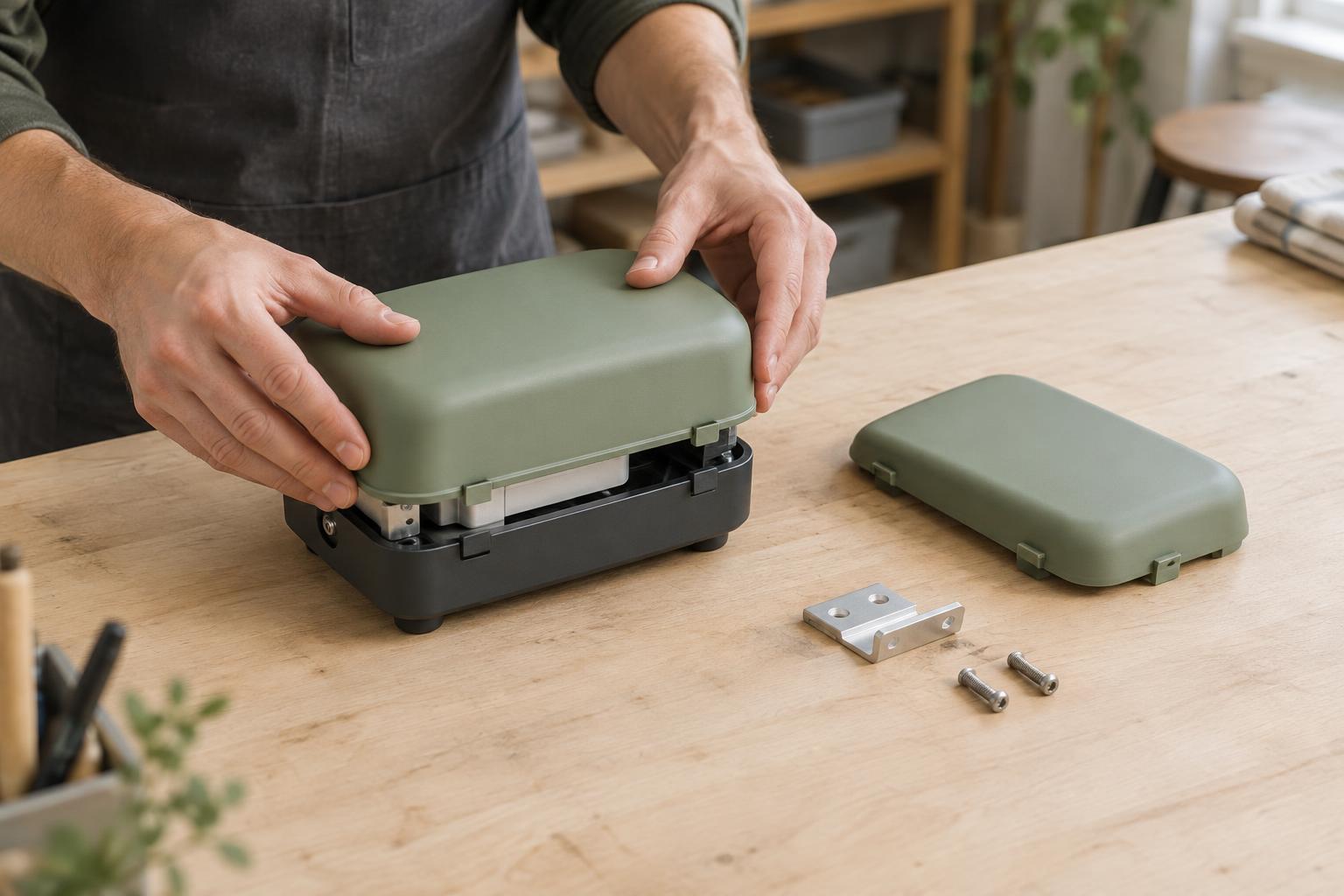
Build a prototype using a written assembly sequence and observe someone who did not design the parts put it together. Record where they pause, reorient components or need extra support. Then check that proposed improvements preserve function, safety, appearance, repair access and the ability to inspect important joints. A design that assembles quickly but hides a poor connection has not solved the overall problem.
Finally, look beyond the workstation. A consolidated part may need more protective packaging; a preassembled module may simplify final assembly but complicate transport or replacement. Discuss changes with people responsible for fabrication, assembly, testing and service. Good design for assembly removes avoidable handling and decisions while keeping the product practical to make, verify and use.