Treat artwork handoff as a production step
Packaging artwork sits between a design concept and a physical object. It must work with the package’s shape, material and printing process, not just look right on a monitor. A small change to a fold, seam or trim edge can move an important word out of view. Before preparing the final files, confirm the package format, dimensions, substrate and intended print method with the printer or converter. Ask which file format, color settings, bleed and proof type they expect.
Agree on who is responsible for each approval. A designer may check layout and color intent, while someone familiar with the product checks names, quantities and other required copy. The printer can flag production issues, but should not be expected to decide whether the wording is correct. Clear ownership makes it easier to resolve questions before plates, tooling or a production run are committed.
Build the file around the approved dieline
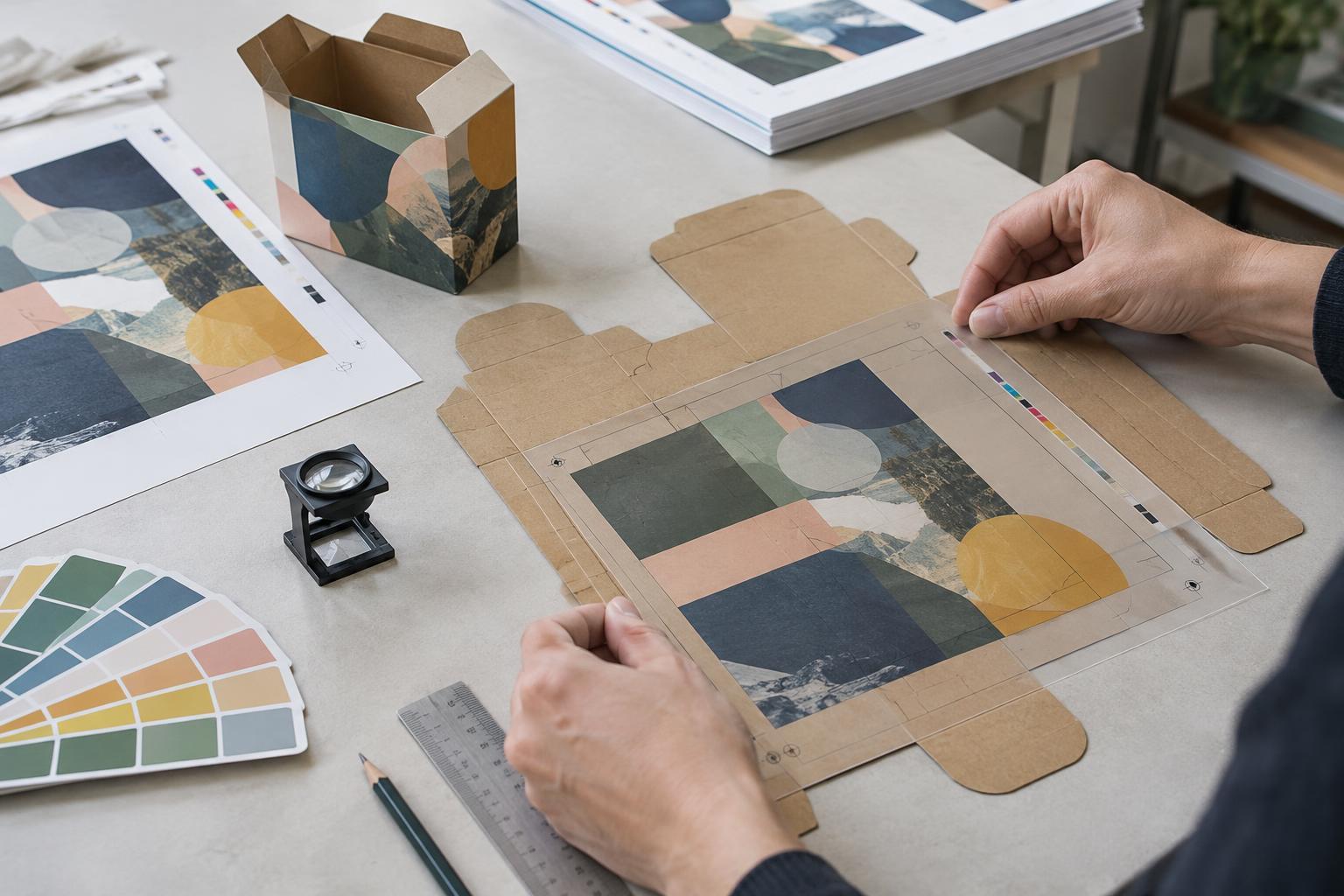
Use the current, supplier-approved dieline rather than tracing a photograph or reusing one from a similar box. The dieline should identify cut lines, folds, glue areas and any openings or other structural features. Keep these guides on clearly named, separate layers and follow the supplier’s instructions for making them visible without printing them as part of the design. Confirm which panel is the front and how the package will fold or wrap.
Extend background colors and images beyond trim edges by the amount of bleed the printer requests. Keep essential text, logos and barcodes inside the specified safe areas, away from cuts, creases and seams. Check that panels meet in the correct order: artwork that appears continuous on a flat sheet may be interrupted by a flap on the assembled package. A simple folded mock-up can reveal orientation and placement errors that are easy to miss in a flat file.
Make print requirements explicit
Supply images at a resolution suitable for their final printed size, and check that linked images and fonts travel with the file or are handled as the printer requests. Retain an editable working file alongside the production-ready version. Before release, inspect small text, fine lines and reversed-out type for legibility. If the design uses a barcode, verify its data and placement, then arrange an appropriate scan check rather than judging it by appearance alone.
Do not leave special finishes open to interpretation. Identify spot colors, white ink, varnish, foil, embossing or other treatments on separate, clearly labeled layers according to the printer’s specification. Explain which elements should overprint or remain clear if that matters to the result. Screen color is only a preview: ink, substrate and finish can change how a color appears. For a critical color, ask what reference and proofing method the printer can use.
Review the proof in more than one pass
A proof is a checkpoint, not a formality. First compare it with the approved content, checking every panel for spelling, product identifiers, instructions, symbols and the correct version of the artwork. Then inspect production details: panel orientation, trim, bleed, alignment, image clarity, small type and the placement of finishes. Review both sides where applicable, including areas that will be hidden or partially covered after assembly.
Understand what the proof can and cannot show. A digital proof is useful for copy and layout checks but may not predict color or material effects accurately. A physical or press proof can answer different questions, depending on how closely it matches the final process and substrate. If a concern remains, describe it precisely—for example, identify the panel and element—so the next revision can address it. Check the revised proof again rather than assuming a requested change was made correctly.
Close the loop before production
Once the proof is accepted, record which file and proof version were approved. Use unambiguous filenames and keep earlier versions out of the production handoff so an obsolete file cannot be selected by mistake. Send the printer one clear package of final files, supporting assets and written specifications, and ask for confirmation that it is complete. Keep a record of any approved exceptions or limitations in the proof.
Packaging artwork often passes through several people, each looking for different kinds of errors. A short, repeatable handoff checklist helps them check the same essentials without relying on memory. The goal is not to make every screen preview perfect; it is to give production a clear file, give reviewers a meaningful proof and make the final approval traceable.